Discord Emoji Size
Upload Discord emoji at 128 × 128 pixels and keep the file under 256 KB. JPEG, PNG, GIF and WebP are accepted.
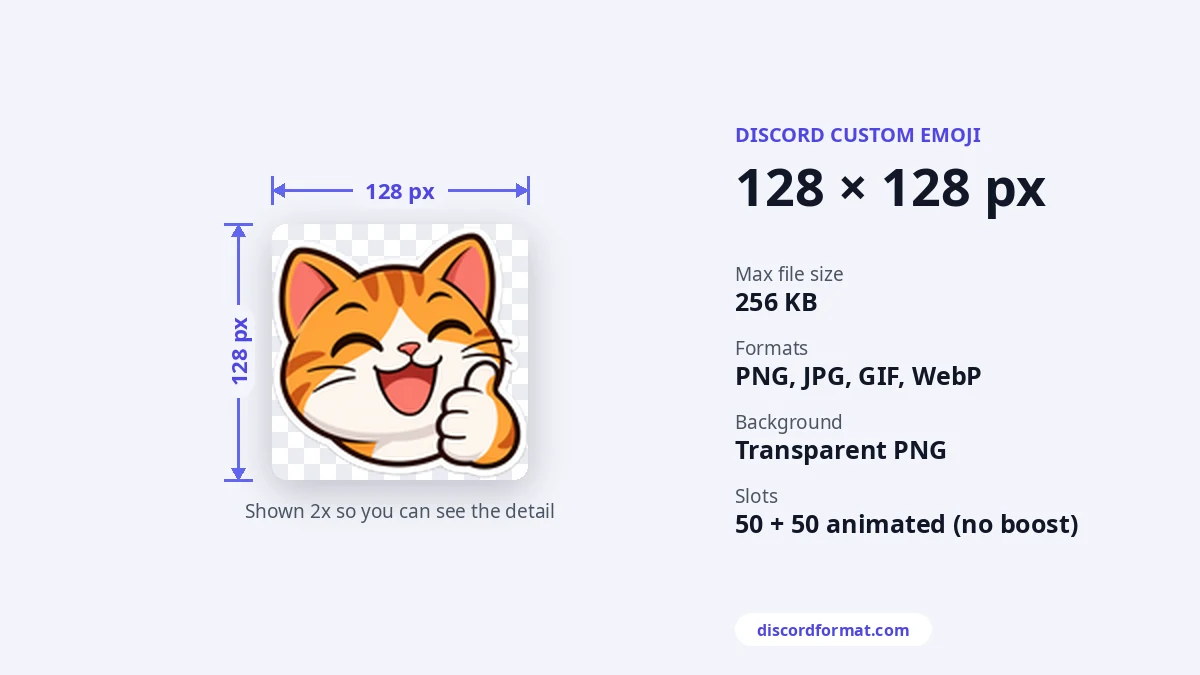
Emoji rules in short
| Best size | 128 × 128 px |
|---|---|
| File size | Under 256 KB |
| Formats | JPEG, PNG, GIF, WebP |
| Name | 2 or more characters: letters, numbers, underscores |
| Slots | 50 static + 50 animated, more with boosts |
Discord shows emoji small in chat, about 32 pixels. A message with only emoji and fewer than 28 of them shows them bigger. That is why 128 pixels is the sweet spot.
How to add an emoji to a server
- Open Server Settings and choose Emoji.
- Press Upload Emoji and pick your file.
- Give it a short name and save.
You need the Create Expressions permission. On desktop, newer apps also let you add emoji from the emoji picker.
Who can use custom emoji?
Everyone in the server can use its emoji there. Nitro members can use them in every server and DM.
Make it under 256 KB
- Resize to 128 × 128. Larger files are the main reason for errors.
- Animated GIFs grow fast. Cut frames or colors to shrink them.
- Check the name. Emoji names need at least 2 characters and can only use letters, numbers and underscores.
- Check your free slots. A server without boosts has 50 static and 50 animated slots.
- Use our emoji resizer. It shows the final size before you download.
Need a sticker instead? Stickers are 320 × 320 and up to 512 KB. See the full Discord image sizes guide.
Frequently asked questions
How many emoji can a server have?
50 normal and 50 animated without boosts. Boosting adds more slots, up to 250 each at Level 3.
What formats work?
PNG, JPG, GIF and WebP. Use PNG for a clear background.
My emoji is too big, what now?
Resize it to 128 by 128 with our emoji resizer. That almost always brings it under 256 KB.