Discord Server Icon Size
A Discord server icon must be at least 128 × 128 pixels. Upload a 512 × 512 square for the sharpest result. Discord shows it as a circle.
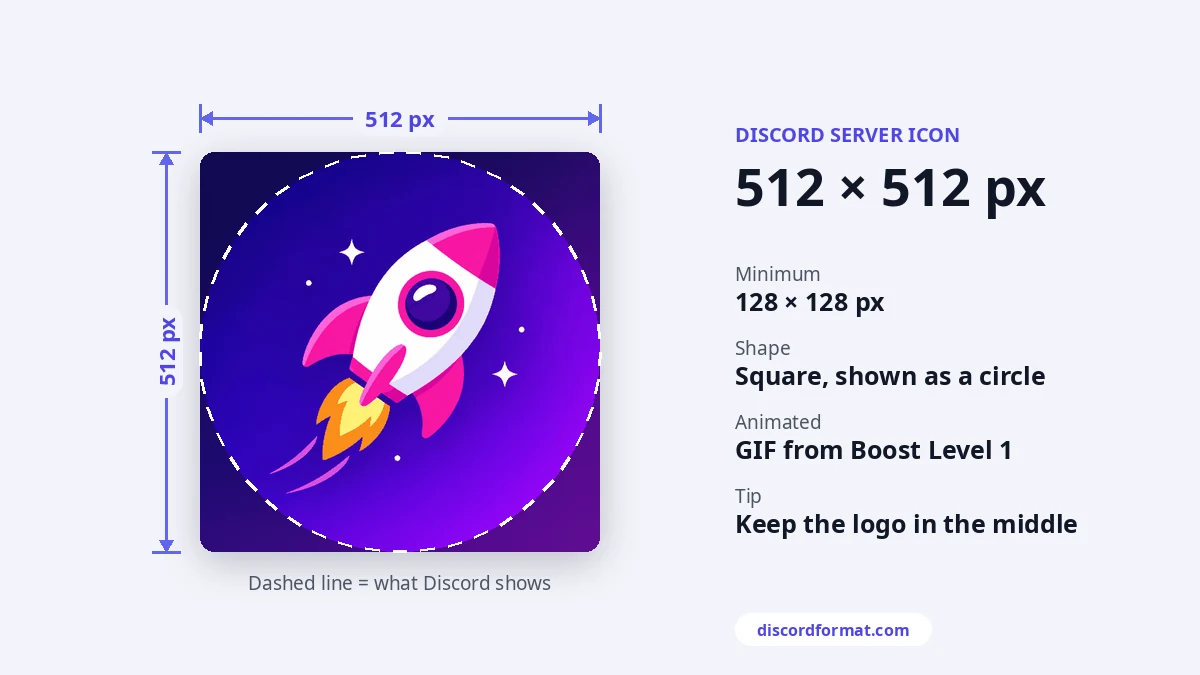
Server icon specs
| Minimum | 128 × 128 px |
|---|---|
| Recommended | 512 × 512 px |
| Shape | Square, shown as a circle |
| Formats | PNG, JPG. Animated GIF for boosted servers |
Discord's help center says to crop large images in multiples of 128, such as 256, 384 or 512 pixels. That keeps the scaling clean.
How to change a server icon
Open the server menu, go to Server Settings and find the icon in the server profile section. Upload the new image, crop it, then save changes.
You need the Manage Server permission, or to own the server.
Make it readable when tiny
- The icon is tiny in the server list. Use one simple shape or a short letter mark.
- Keep it centered. The corners disappear in the circle.
- If the server has no icon, Discord shows the first letters of its name instead.
- High contrast helps it stand out among dozens of other servers.
Setting up a full server look? The image sizes guide covers banners, invite splash and stickers. For custom emoji, use the emoji resizer.
Frequently asked questions
Why is my server icon cut off?
Discord shows icons as circles, so corners get cut. Keep your logo inside the middle 80 percent.
Can a server icon be animated?
Yes, from Boost Level 1, using a GIF.