Discord Profile Picture (PFP) Size
Use a square image of at least 128 × 128 pixels. A 512 × 512 image looks sharp everywhere. Discord crops it into a circle.
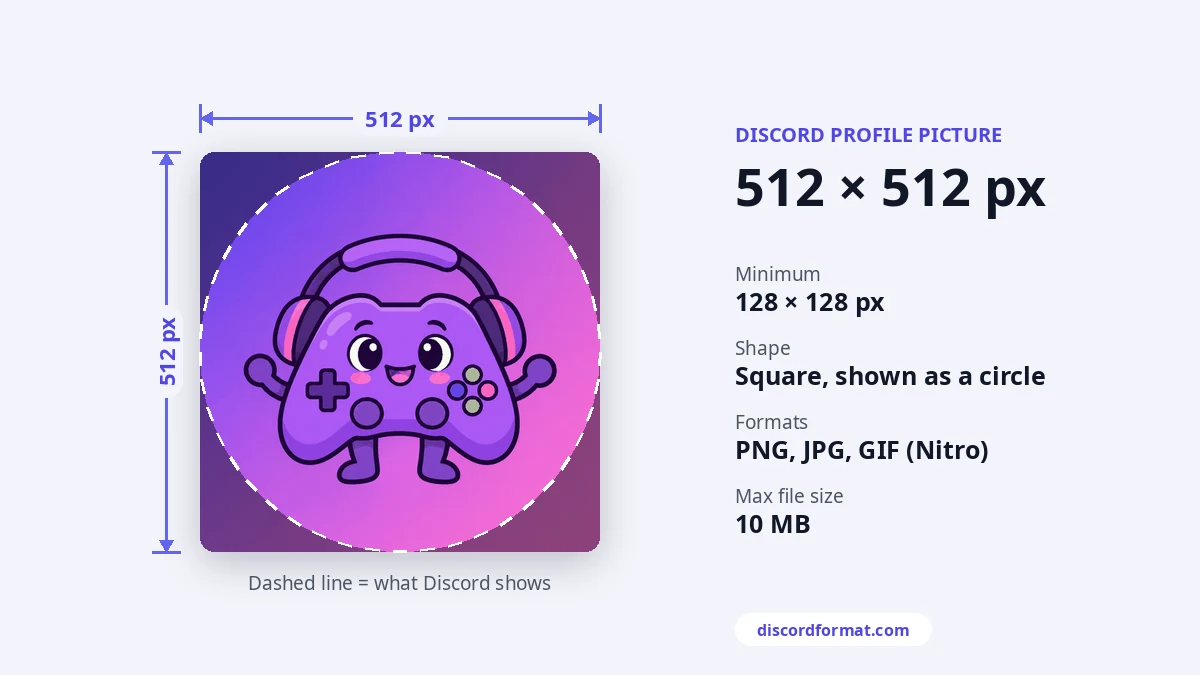
PFP size at a glance
| Shape | Square (1:1), shown as a circle |
|---|---|
| Minimum | 128 × 128 px |
| Best | 512 × 512 px or larger |
| Formats | PNG, JPG. Animated GIF with Nitro |
| File size | Under 10 MB |
Why a bigger image helps
Discord shows avatars small in chat, but larger on profiles and in voice calls. High-density phone screens double the pixels too. A 512 pixel image stays crisp in all of those places. Discord's own design blog suggests starting around 200 × 200 at the very least.
Plan for the circle
The corners of your square image are cut off. Keep the face or logo in the middle. Leave some space around it, since avatar decorations can cover the edge.
How to change your profile picture
- Open User Settings, then Profiles. On mobile, tap your avatar and then Edit Profile.
- Choose Change Avatar and pick an image.
- Move and zoom the image in the crop box, then apply and save.
Nitro members can also set a different avatar for each server under Per-server Profiles.
Small things that help
- Bold colors and simple shapes read best at small sizes. Test it on both dark and light themes.
- Changing your avatar many times in a row can trigger a short wait, because Discord rate limits fast uploads.
Pair it with a matching profile banner and a fresh line from our Discord bio ideas.
Frequently asked questions
What size is a Discord profile picture?
Upload a square image of at least 128 by 128. 512 by 512 looks sharper on big screens.
Why is my profile picture blurry?
The image was small or got stretched. Start with 512 by 512 or bigger and don't zoom in a lot in the crop step.
Can I use a GIF?
Only with Nitro. Without Nitro, a GIF shows as a still image.