Discord Banner Size
A Discord profile banner should be at least 680 × 240 pixels, PNG, JPG or GIF, under 10 MB. A server banner should be at least 960 × 540 pixels in a 16:9 shape.
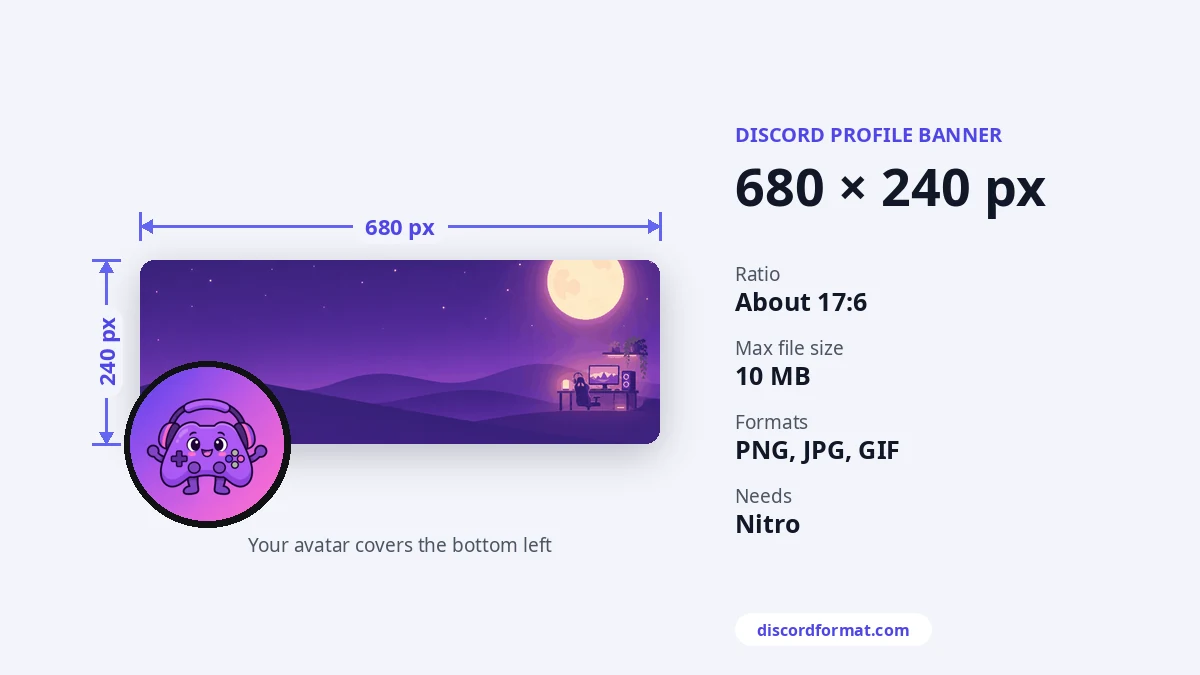
Profile banner
| Minimum size | 680 × 240 px |
|---|---|
| Shape | About 17:6, wide |
| Formats | PNG, JPG, animated GIF |
| File size | Under 10 MB |
| Needs | Nitro |
The profile banner sits at the top of your profile card. Your profile picture covers the lower left part. Keep faces and text away from that corner. Without Nitro, you can still pick a banner color.
Per-server profile banners work the same way. Discord's per-server help page lists 600 × 240 as the recommended minimum there. Uploading 680 × 240 or larger covers both.
Server banner
| Minimum size | 960 × 540 px |
|---|---|
| Shape | 16:9 |
| Also fine | 1920 × 1080 (Discord resizes it) |
| Animated | GIF, Boost Level 3 |
| Needs | Boost Level 2 |
The server banner shows at the top of the channel list. Discord asks you to keep the top 48 pixels simple, so the server name stays easy to read. It also suggests no logos or text in the banner.
How to upload a banner
- For your profile: open User Settings, then Profiles, then Change Banner.
- For a server: open Server Settings and find the banner section.
- Crop the image in the box that appears and save.
Keep the good part safe
Go bigger than the minimum. Twice the size looks sharp on high-density screens. Simple art with one focus point works best, and it's worth checking on your phone too, where the crop is tighter.
See every other size in the Discord image sizes guide.
Frequently asked questions
Can I have a profile banner without Nitro?
No. Profile banners need Nitro. Without it you get a solid color you can pick.
Why is my banner cut off?
Your avatar sits over the bottom left, and phones crop the sides a bit. Keep the important part in the middle and upper half.
Do server banners need a boost?
Yes. A server banner unlocks at Boost Level 2.